Adobe Dreamweaver Online Live Class by Experts
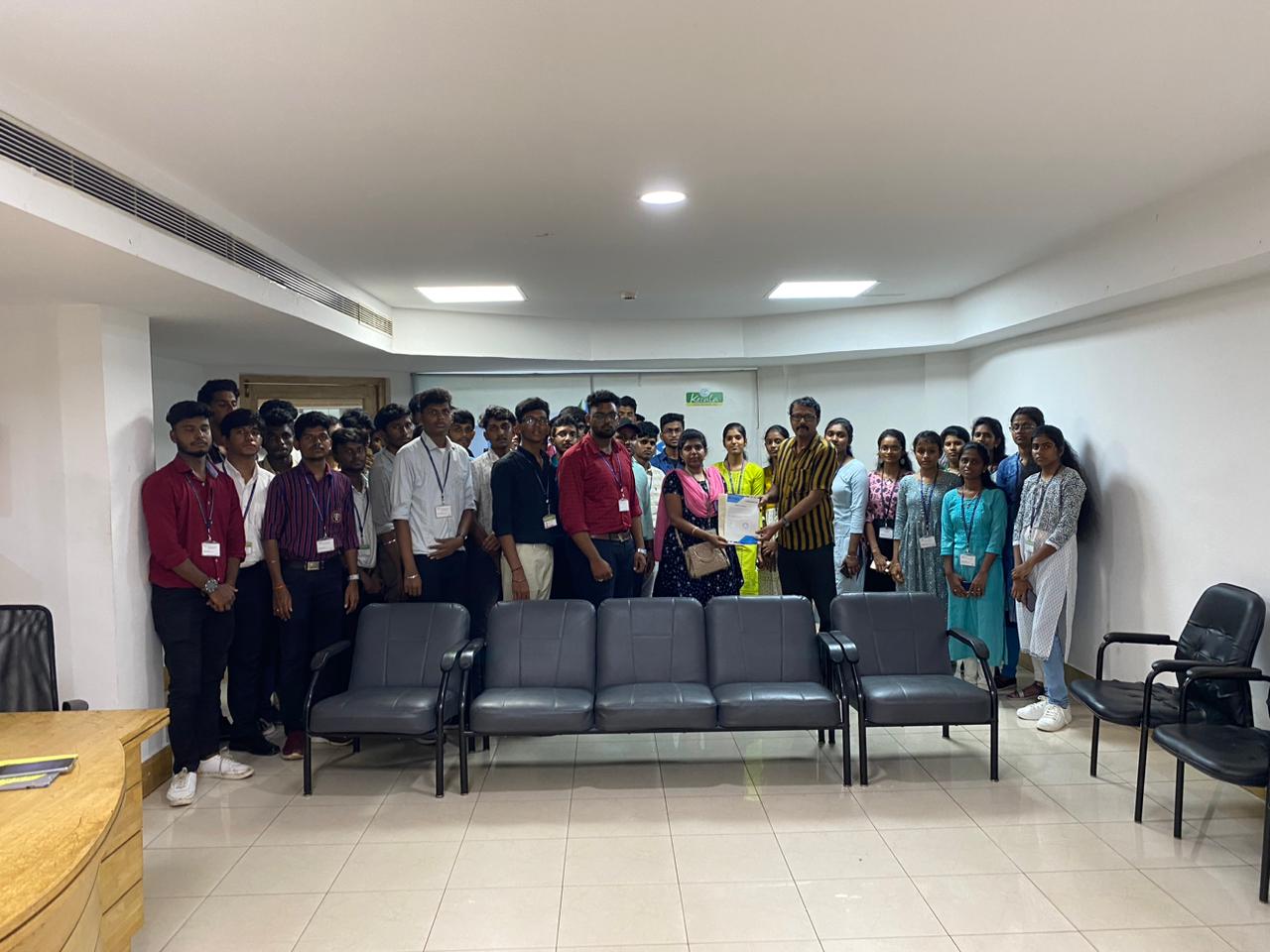
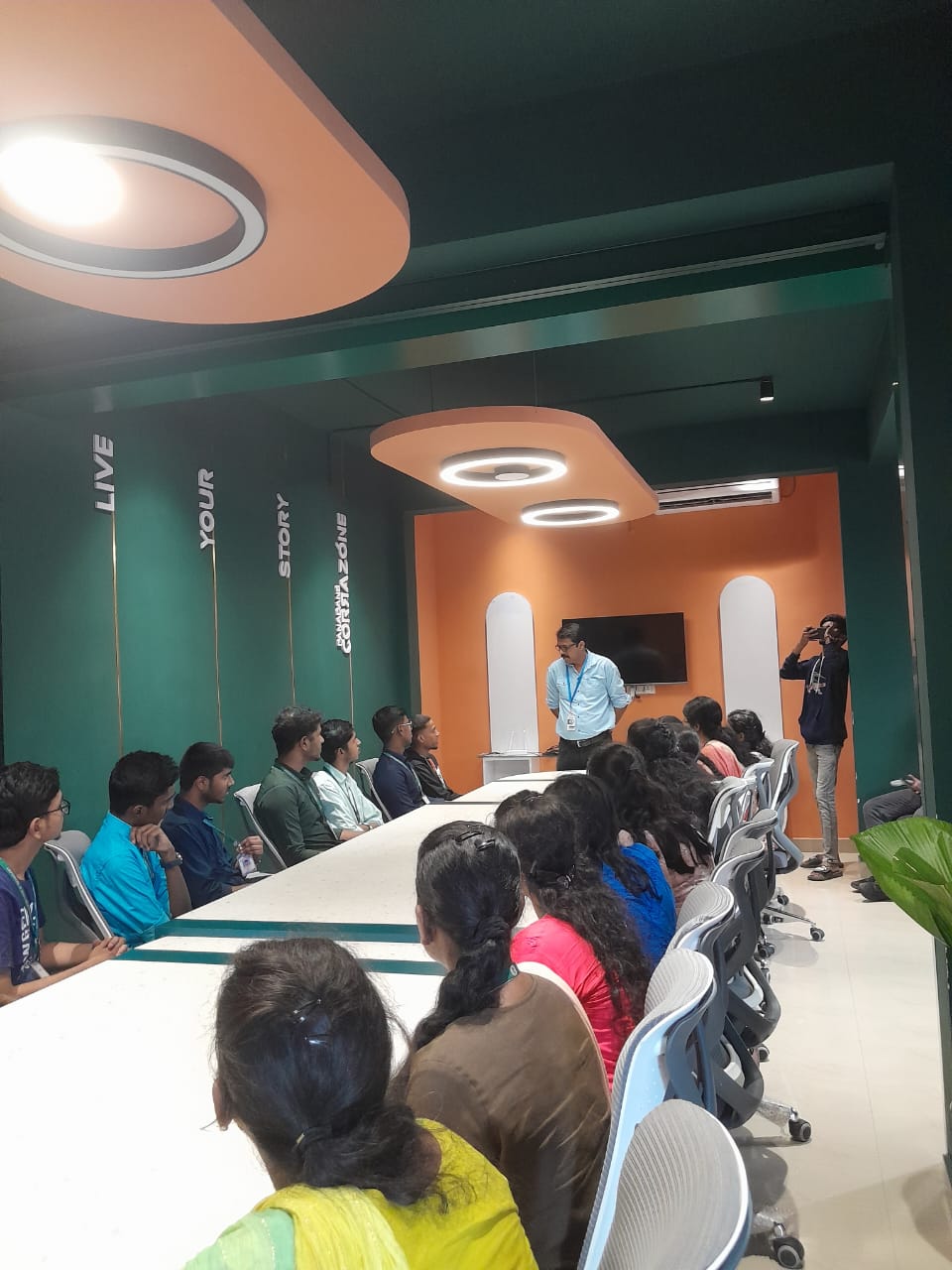
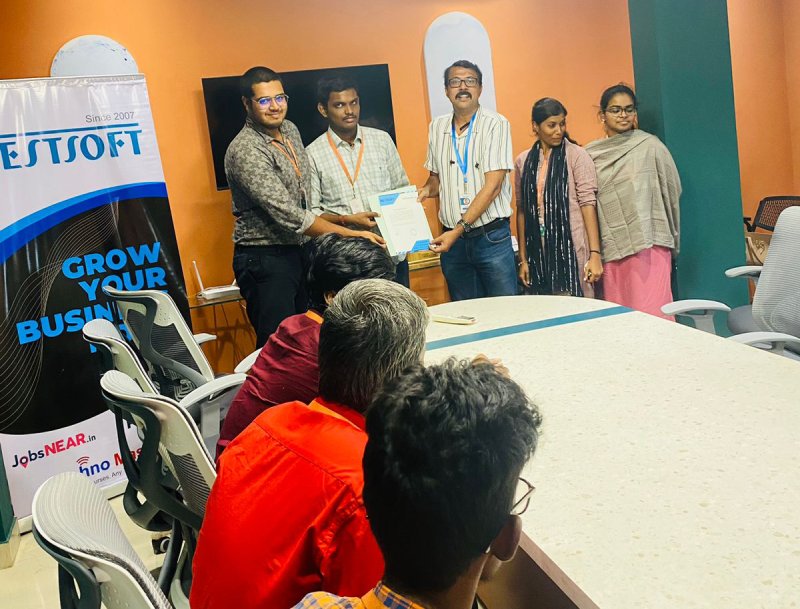
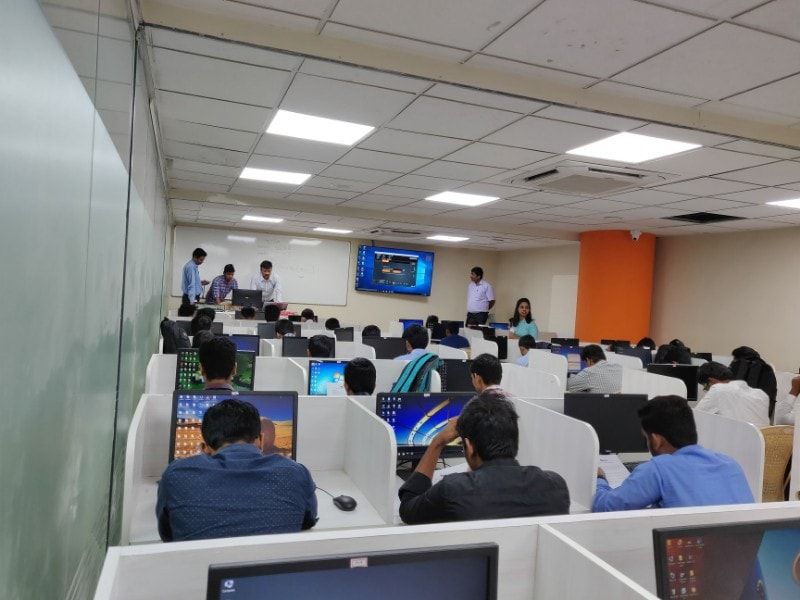
Our Training/Internship Process

Adobe Dreamweaver - Syllabus, Fees & Duration
Module 1: Introducing Dreamweaver
- Understanding the course
- Reviewing the course objectives and prerequisites
- Reviewing the course format
- Outlining the course content
- Understanding static page architecture
Module 2: Getting Started
- Introducing Dreamweaver
- Learning the interface
- Defining a local site
- Creating a website
Module 3: Adding Content to a Site
- Adding content
- Controlling document structure
- Making lists
- Adding horizontal rules
- Adding special characters
Module 4: Formatting with CSS
- Formatting text
- Introducing CSS
- Creating styles
- Exporting CSS rule definitions
- Creating class styles
- Attaching external style sheets
- Creating advanced styles
- Creating a new external style sheet
- Displaying styles
- Understanding cascading order and inheritance of styles
- Creating internal styles with the Property inspector
Module 5: Working with Graphics
- Using graphics on web pages
- Placing graphics on the page
- Modifying image properties
- Editing images
- Doing roundtrip editing with Fireworks
- Customizing the Insert bar
- Adding Flash content
- Adding Flash Video
Module 6: Navigating Your Site
- Understanding site navigation
- Linking to files in your site
- Linking to sites
- Linking to named anchors
- Adding e-mail links
- Linking from images
- Creating a jump menu
Module 7: Designing Page Layouts with CSS
- Understanding page layout
- Using layers for layout
- Adding CSS to layers
- Using absolute and relative positioning
- Designing with DIV's
- Designing navigation links with CSS
- Importing tabular data
- Using table layout view
Module 8: Using Libraries and Templates
- Using site library items
- Creating site templates
- Defining editable regions
- Using templates
- Applying a template to an existing page
- Modifying templates
Module 9: Creating Forms
- Understanding forms
- Processing a form
- Setting focus in a form
- Validating a form
Module 10: Testing, Maintenance, and Uploading
- Testing your site
- Maintaining your files and folders
- Connecting to a remote site
- Synchronizing files
This syllabus is not final and can be customized as per needs/updates
- Since 2001, Making IT Experts by Experts
- Duration: 15 Hours (Vary as per your skill)
- Course Fees
- Individual Live Classes (1:1)
- Batch Classes @ Low Fees
- Training on Your Time, Any Where
- Access to Recorded Videos
- Practical Internship on Projects
- 100% Placement Support by our jobsHybrid.com
- Training/Internship Certificate
- Agra
- Ahmedabad
- Alappuzha
- Aurangabad
- Bangalore
- Belgaum
- Bellary
- Bhubaneswar
- Chennai
- Cochin
- Coimbatore
- Delhi
- Dindigul
- Erode
- Gulbarga
- Guntur
- Gurgaon
- Haryana
- Hyderabad
- Idukki
- Indore
- Jaipur
- Kalyan
- Kannur
- Kanpur
- Kasaragod
- Kerala
- Kolkata
- Kollam
- Kottayam
- Kozhikode
- Lucknow
- Madurai
- Malappuram
- Mangaluru
- Mumbai
- Mysuru
- Nagpur
- Nashik
- Navi Mumbai
- Nizamabad
- Noida
- Palakkad
- Pathanamthitta
- Pune
- Punjab
- Salem
- Shimla
- Solapur
- Surat
- Thane
- Thanjavur
- Thirunelveli
- Thoothukudi
- Thrissur
- Tiruchirappalli
- Tiruppur
- Trivandrum
- Vadodara
- Varanasi
- Vellore
- Vijayawada
- Visakhapatnam
- Wayanad
Course Highlights

Our Locations

 easy and complex websites are going to be designed using a purpose and click-on technique. Students could register at any time. Dreamweaver is not the only Adobe web design tool. The coding is checked whenever you're incorporating one as there may be a typo error. The dashboard provides a one-pane read of multiple files and pages, whereas the split-view makes for easy refinement of code - making the work of designing and building a website much more economical. it is an especially useful time-saver in DW’s code suggestion feature. Adobe, however, has stopped supporting Muse and the application will still be used. The course materials are designed as self-study courses, however, if you have got any issues you will email our support service.
. DreamWeaver has predesigned templates are offered or, alternatively, template files will be created by the user.
easy and complex websites are going to be designed using a purpose and click-on technique. Students could register at any time. Dreamweaver is not the only Adobe web design tool. The coding is checked whenever you're incorporating one as there may be a typo error. The dashboard provides a one-pane read of multiple files and pages, whereas the split-view makes for easy refinement of code - making the work of designing and building a website much more economical. it is an especially useful time-saver in DW’s code suggestion feature. Adobe, however, has stopped supporting Muse and the application will still be used. The course materials are designed as self-study courses, however, if you have got any issues you will email our support service.
. DreamWeaver has predesigned templates are offered or, alternatively, template files will be created by the user.