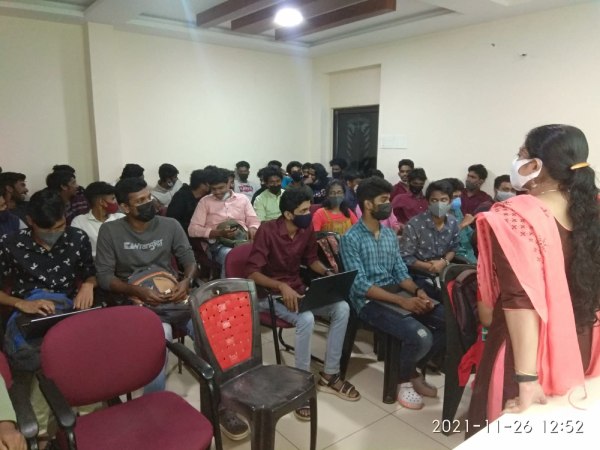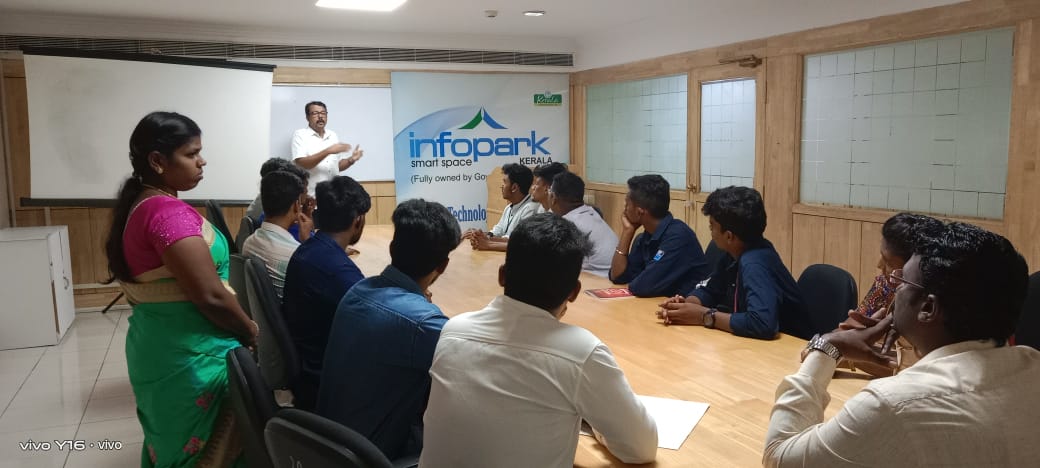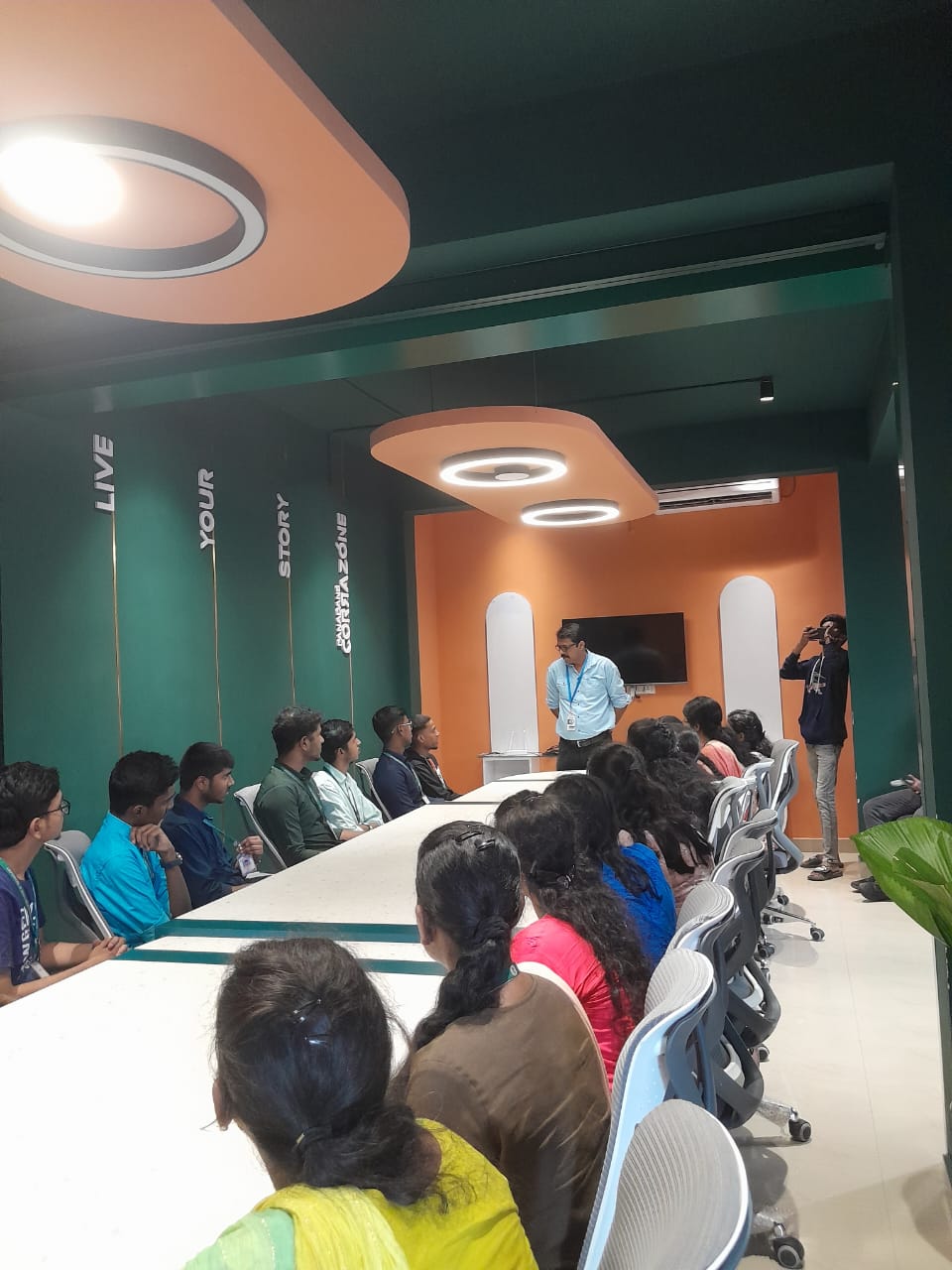
Primavera Online Live Class by Experts
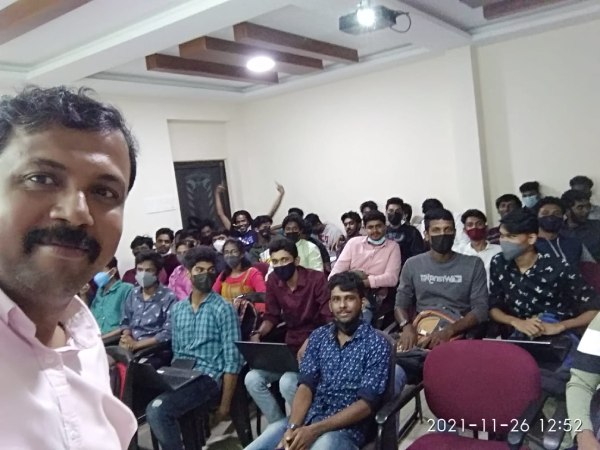
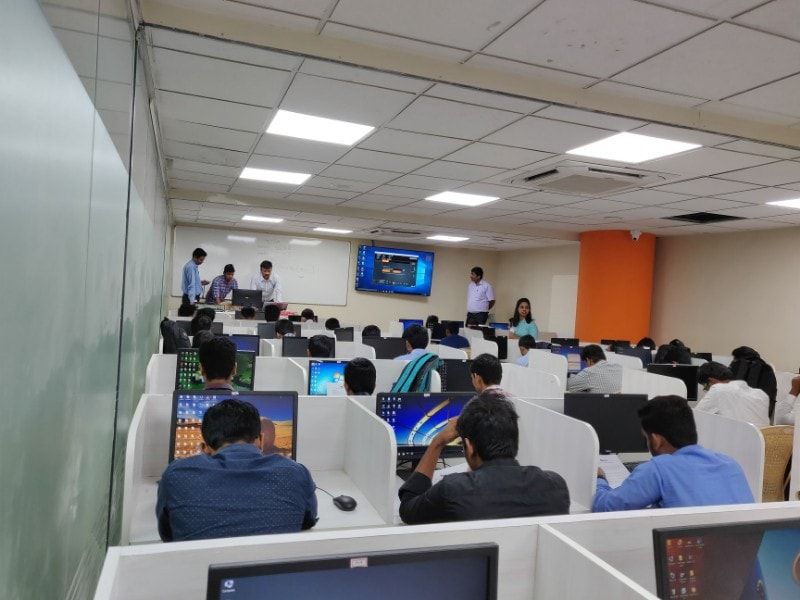
Our Training/Internship Process

Primavera - Syllabus, Fees & Duration
Here's a suggested syllabus for a Primavera course, progressing from basic to advanced concepts:
Basic Level:
-
Introduction to Project Management Software
- Overview of Primavera
- Importance of project management software in planning and scheduling
Getting Started with Primavera
- Installation and setup
- Interface overview
- Creating a new project
Creating Work Breakdown Structure (WBS)
- Understanding WBS
- Creating and organizing activities
- Assigning codes to activities
Adding Relationships and Constraints
- Dependency types (Finish-to-Start, Start-to-Start, Finish-to-Finish, Start-to-Finish)
- Adding relationships between activities
- Applying constraints to activities
Intermediate Level:
Scheduling Techniques
- Critical Path Method (CPM)
- Understanding float and total float
- Analyzing the critical path
Resource Management
- Adding and organizing resources
- Assigning resources to activities
- Resource leveling
Baseline and Tracking
- Creating baselines
- Tracking progress against baselines
- Updating schedules
Advanced Level:
Project Analysis and Reporting
- Generating reports (Gantt charts, resource usage, cash flow, etc.)
- Analyzing project performance
- Earned Value Management (EVM) techniques
Risk Management
- Identifying project risks
- Incorporating risk management into schedules
- Mitigation strategies
Advanced Features
- Global changes and filters
- Multiple project management
- Customizing layouts and views
Integration with Other Software
- Importing and exporting data
- Integration with Excel, Microsoft Project, etc.
Advanced Topics
- Portfolio management
- Multi-project analysis
- Advanced scheduling techniques (PERT analysis, Monte Carlo simulation)
Each module should include hands-on exercises and practical examples to reinforce learning. Additionally, regular assessments and quizzes can be incorporated to gauge understanding and progress throughout the course.
This syllabus is not final and can be customized as per needs/updates
- Since 2001, Making IT Experts by Experts
- Duration: 45 Hours (Vary as per your skill)
- Course Fees
- Individual Live Classes (1:1)
- Batch Classes @ Low Fees
- Training on Your Time, Any Where
- Access to Recorded Videos
- Practical Internship on Projects
- 100% Placement Support by our jobsHybrid.com
- Training/Internship Certificate
- Agra
- Ahmedabad
- Alappuzha
- Aurangabad
- Bangalore
- Belgaum
- Bellary
- Bhubaneswar
- Chennai
- Cochin
- Coimbatore
- Delhi
- Dindigul
- Erode
- Gulbarga
- Guntur
- Gurgaon
- Haryana
- Hyderabad
- Idukki
- Indore
- Jaipur
- Kalyan
- Kannur
- Kanpur
- Kasaragod
- Kerala
- Kolkata
- Kollam
- Kottayam
- Kozhikode
- Lucknow
- Madurai
- Malappuram
- Mangaluru
- Mumbai
- Mysuru
- Nagpur
- Nashik
- Navi Mumbai
- Nizamabad
- Noida
- Palakkad
- Pathanamthitta
- Pune
- Punjab
- Salem
- Shimla
- Solapur
- Surat
- Thane
- Thanjavur
- Thirunelveli
- Thoothukudi
- Thrissur
- Tiruchirappalli
- Tiruppur
- Trivandrum
- Vadodara
- Varanasi
- Vellore
- Vijayawada
- Visakhapatnam
- Wayanad
Course Highlights

Our Locations

 Integrating risk management capabilities into project planning allows project managers to anticipate potential disruptions, develop contingency plans, and effectively mitigate risks, making projects more resilient. You can take action. Masu. Collaboration is enabled by allowing team members to share project data, update schedules, and communicate effectively within the platform, facilitating better coordination and coordination among project teams. Primavera provides tools to identify, assess, and mitigate risks associated with project activities. Primavera facilitates the efficient allocation and use of resources such as labor, equipment, and materials.
Compliance and documentation:
Primavera helps businesses ensure compliance with regulatory requirements and industry standards by providing the ability to document project activities, maintain audit trails, and generate compliance reports. Primavera facilitates communication between project stakeholders by providing central access to project information, progress reports, and documentation. can.
Improve communication and collaboration:
Effective communication and collaboration are essential for project success.
Integrating risk management capabilities into project planning allows project managers to anticipate potential disruptions, develop contingency plans, and effectively mitigate risks, making projects more resilient. You can take action. Masu. Collaboration is enabled by allowing team members to share project data, update schedules, and communicate effectively within the platform, facilitating better coordination and coordination among project teams. Primavera provides tools to identify, assess, and mitigate risks associated with project activities. Primavera facilitates the efficient allocation and use of resources such as labor, equipment, and materials.
Compliance and documentation:
Primavera helps businesses ensure compliance with regulatory requirements and industry standards by providing the ability to document project activities, maintain audit trails, and generate compliance reports. Primavera facilitates communication between project stakeholders by providing central access to project information, progress reports, and documentation. can.
Improve communication and collaboration:
Effective communication and collaboration are essential for project success.